SamsungFix it
Samsung Dishwasher LC Error: Leak Code Checks in Order
What LC and LE mean on a Samsung dishwasher, why it keeps draining, Samsung's checks for hoses, detergent, the door seal and leveling, and when to call.
We earn from qualifying purchases through links on this page. How we make money.
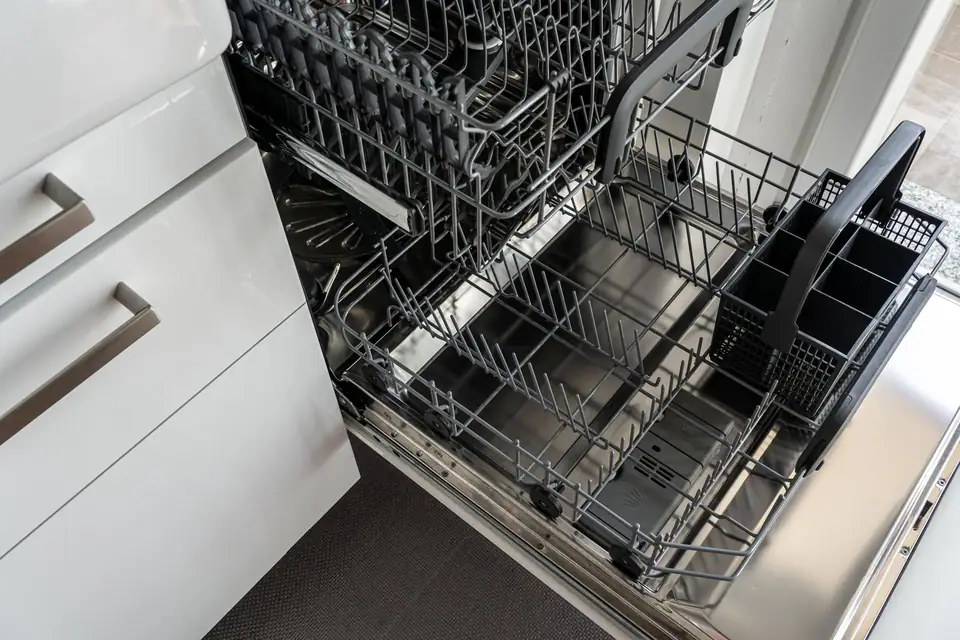
Samsung dishwasherLC
LC (or LE) on a Samsung dishwasher means its leak sensor has detected moisture. Samsung says the dishwasher then turns itself on and will not turn off. Unplug it first. Then, in Samsung’s order: look for a visible leak, check the supply hose, check a newly connected garbage disposal, look for excess detergent, and give the sensor time to dry.
On Samsung models without a digital display, the same fault shows as a pattern of blinking lights; your manual lists which one.
Safety
Unplug the dishwasher before anything else, as Samsung’s first step says, so it cannot restart itself while you look. If there is water on the floor, switch off the dishwasher’s circuit at the breaker before you step into it. Samsung says to skip the breaker step only when the leak is coming from the door.
If you cannot see a leak
Samsung’s steps when the code is on but the floor is dry:
- Unplug the dishwasher.
- Inspect for a leak and check the supply hose connection under the sink.
- Check the garbage disposal. If the dishwasher was recently connected to a disposal, make sure the disposal’s cap was removed. Left in place, it blocks the dishwasher’s drain.
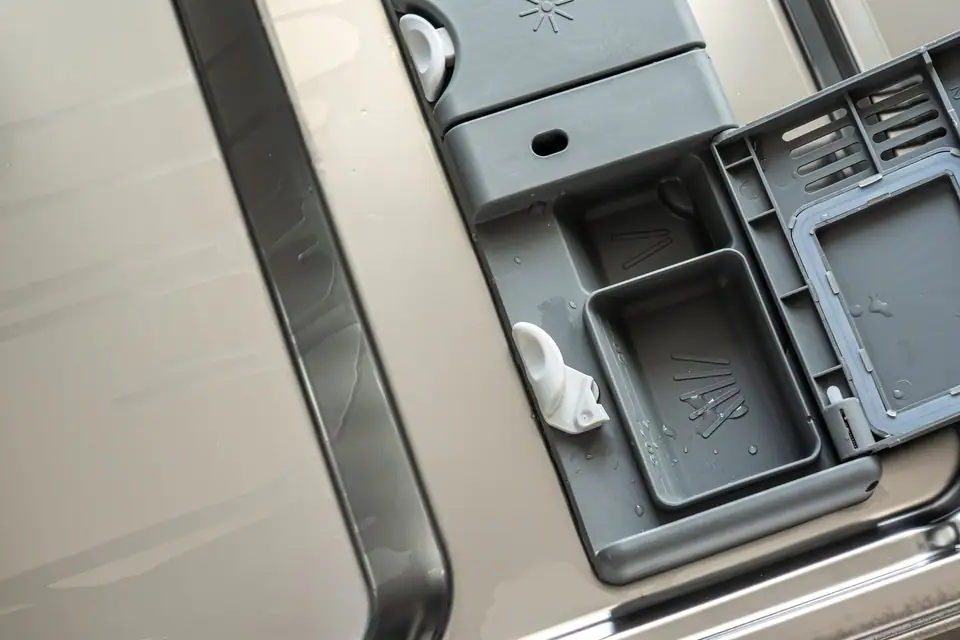
- Look for excess detergent. Samsung explains that detergent does not evaporate and dry as quickly as water, so it can keep a sensor wet.
- Give it time to dry. If the dishwasher was moved recently, Samsung says some water may have splashed near the sensor underneath.
- Restore power. If the code returns, request service.
If you can see a leak
Samsung’s checks for a visible leak:
- Confirm it is a leak and not condensation or a spill.
- Check the supply hose. Samsung recommends a 3/8 inch stainless steel supply hose.
- Check the drain hose connection under the sink.
- Check the rubber door seal for tears, food or gaps.
- Use dishwasher detergent only.
- Level the dishwasher.
- Check the tub opening. Samsung says the opening at the screw locations on the tub sides should measure 22 inches.
- Clear the spray nozzles.
If it still leaks, request service.
Samsung dishwasher door gaskets
Live listings, shown by eBay
Opens eBay in a new tab. Check condition, seller feedback and returns.
A torn or flattened door seal is one of the few leak parts you can see and replace from the front. Match it to your dishwasher’s model number (where to look).
Stopping it happening again
Most of Samsung’s checks double as habits:
- Dishwasher detergent only, measured. Samsung lists excess detergent as a cause and says to use dishwasher detergent only. Hand dish soap is not dishwasher detergent.
- A level dishwasher. Samsung includes leveling in its leak checks.
- A clean door seal. Wipe food off the rubber seal when you wipe the door, and look for tears.
- Clear spray nozzles, another item on Samsung’s list.
- A sound supply hose. Samsung recommends a 3/8 inch stainless steel supply hose; a cracked or bulging one is worth replacing before it fails.
Other brands with a base leak code
LG dishwashers show AE when a leak is detected, and LG names dish soap and an unlevel dishwasher among the causes (LG dishwasher codes). Bosch shows E15 when a safety switch finds water in the base, and Bosch’s step is to turn off the water and call (Bosch E15).
Other Samsung dishwasher codes
From Samsung’s dishwasher code page:
| Code | What Samsung says |
|---|---|
| 4C, 4E | Not getting the water pressure or temperature it needs |
| 5C, SC, 5E, SE | Drain fault |
| OC, 0C, oE | Water level too high |
| HE | Heater: temperature detected incorrectly. Run a Normal cycle; service if it persists |
| 3E | Incoming water too hot: check the hot supply is not above 176°F |
| tE | Temperature sensor |
Samsung’s code page also asks you not to reset or clear a code before troubleshooting, so note it before you unplug. For Samsung washer and refrigerator codes, see the Samsung hub.
Frequently asked questions
Why does my Samsung dishwasher keep running with an LC code?
Samsung says that when the leak sensor detects moisture, the dishwasher turns itself on and will not turn off. Unplug it, as Samsung's first step says, so it cannot restart while you check for the leak.
Should I tilt my Samsung dishwasher to dry the leak sensor?
Samsung's US leak guide does not say to tilt the dishwasher. Its advice is to unplug it and give it time to dry if water may have splashed near the sensor, for example after the dishwasher was moved. Tilting a built-in dishwasher means disconnecting it, which is a job for an installer.
Can dish soap cause an LC code on a Samsung dishwasher?
Samsung lists excess detergent as a cause and says to use dishwasher detergent only. It notes that detergent does not evaporate and dry as quickly as water, so a sensor wet with detergent can keep the code showing longer.
Sources
Filed under SamsungStart with Samsung Error Codes: Washer, Dishwasher and Refrigerator Codes
Continue with
Related codes and fixes
SamsungCode list
Samsung Error Codes: Washer, Dishwasher and Refrigerator Codes
What the error codes on Samsung washers, dishwashers and refrigerators mean, Samsung's first checks, which codes need service, and Samsung's rules on resets.
SamsungCode list
Samsung Washer Error Codes: Every Code Family and Its Fix
Samsung washer error codes grouped the way Samsung groups them: 4C water supply, 5C drain, SUd suds, Ub balance, dC door, LC leak and more, with the fixes.
SamsungGuide22E
Samsung Refrigerator Error Codes: Fan, Sensor and Power Codes
What Samsung refrigerator codes such as 22E, 21E, 5E, 33E, 84C and OF OF mean, the few you can clear yourself, and why Samsung says not to unplug for most.